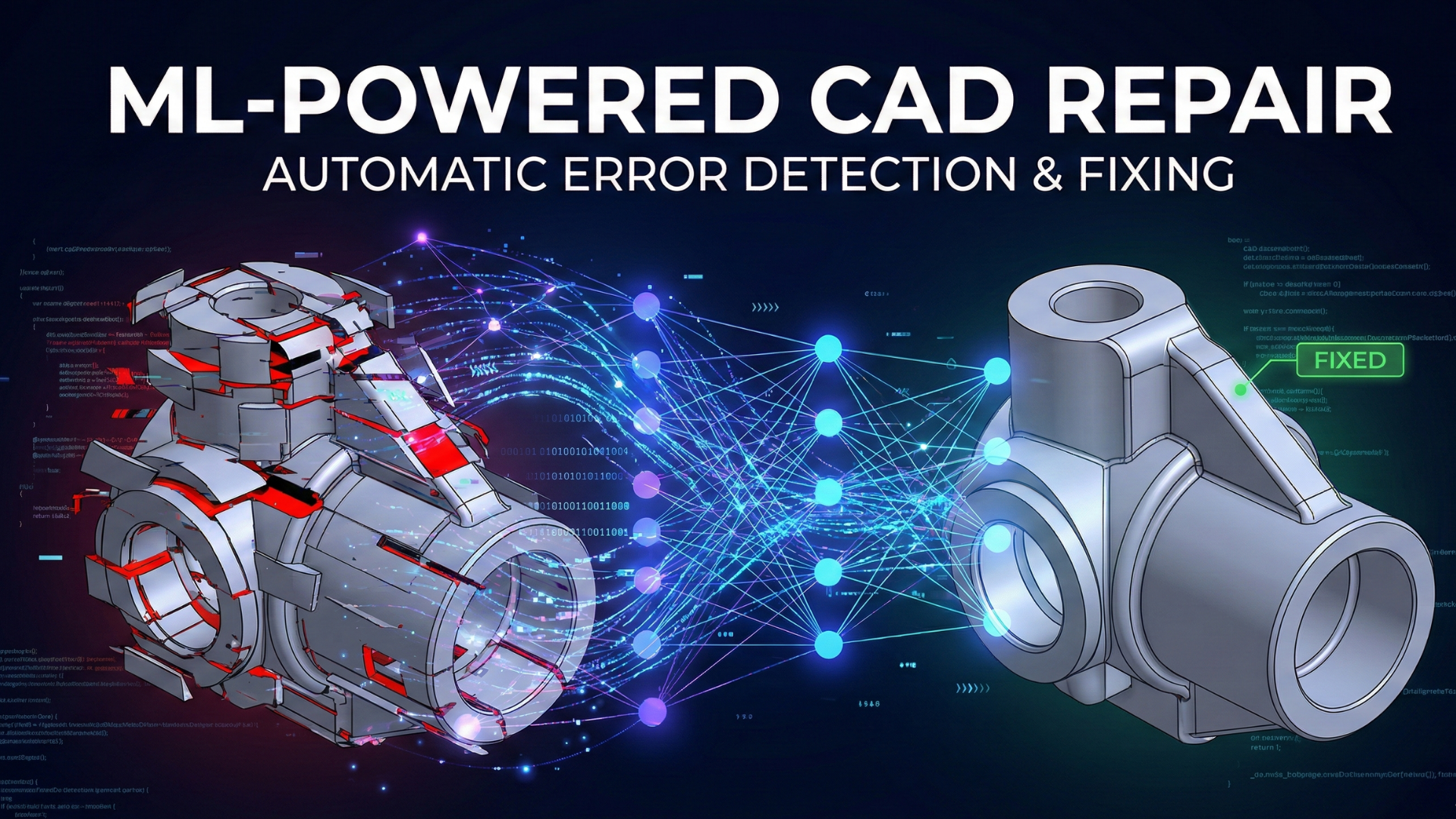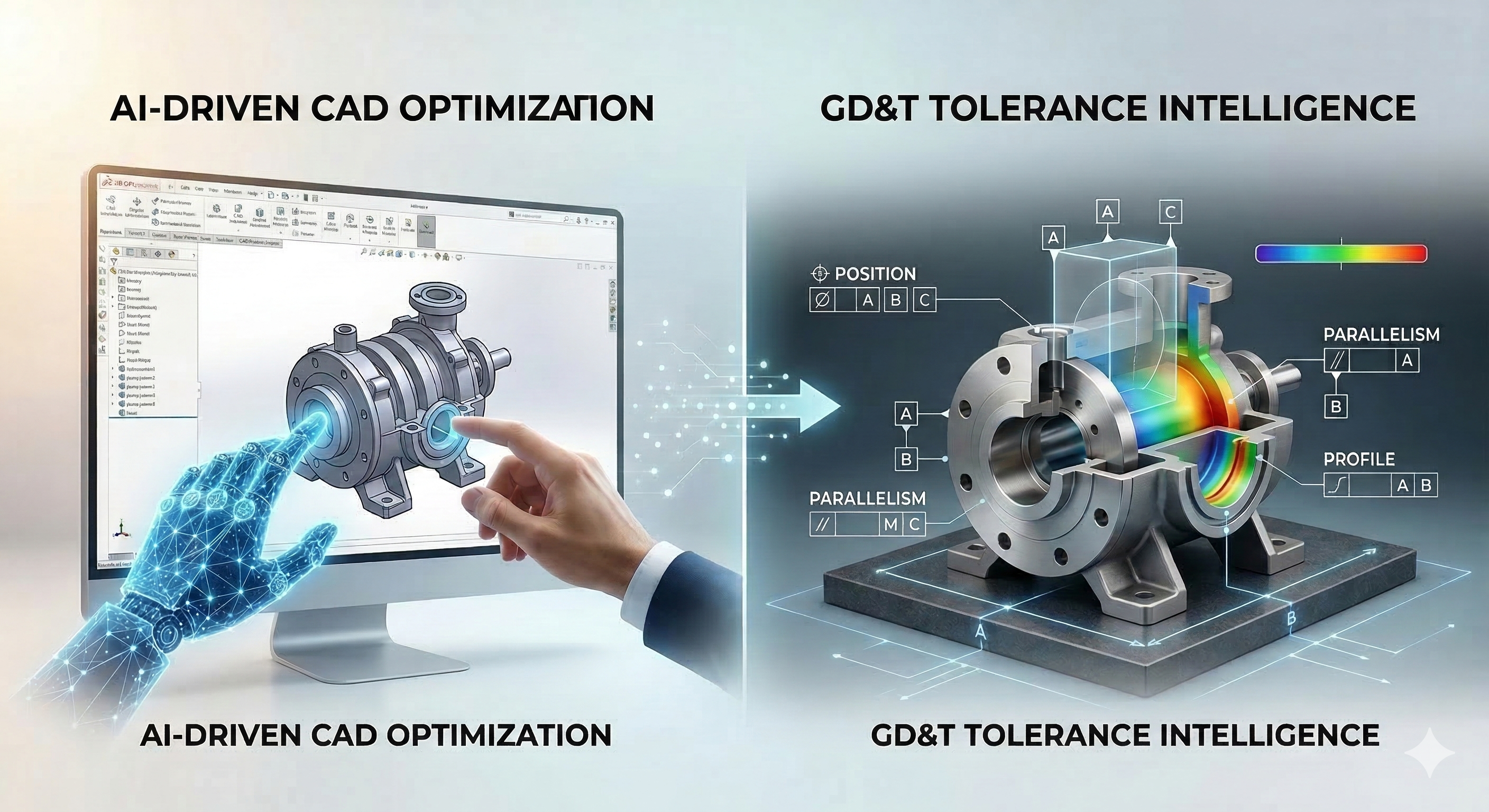
In the high-stakes world of precision manufacturing, a single tolerance error on a technical drawing can cost hundreds of thousands of dollars in scrapped tooling and delayed production. Traditionally, reviewing Geometric Dimensioning and Tolerancing (GD&T) is a manual, fatigue-prone process performed by senior engineers. But what if you could clone that expertise?
Training custom AI models to review mechanical CAD drawings is no longer science fiction — it is a practical reality for modern engineering teams. By leveraging computer vision and geometric deep learning, teams are now automating GD&T review to detect missing tolerances, impossible geometries, and cost-driving over-specifications with far greater consistency than manual inspection allows.
In this guide, we will move beyond surface-level theory and dive into the technical architecture, data strategies, and workflow integrations required to build an AI model for manufacturing quality control that truly understands the language of engineering.
Table of Contents
- The High Cost of Human Error in GD&T
- Step 1: Data Strategy – The Foundation of CAD AI
- Step 2: Choosing the Architecture (2D Vision vs. 3D Graphs)
- Step 3: The Training Workflow
- Step 4: Human-in-the-Loop Validation
- Common Mistakes to Avoid
- Tools and Resources
- Conclusion
The High Cost of Human Error in GD&T
Before writing a single line of Python, it is crucial to understand the "why." Manual drawing review is the bottleneck of the design-to-manufacturing cycle. According to industry data, tolerance allocation errors alone can account for up to half of all rework and scrap costs, which in some sectors exceed 20% of sales revenue [1].
Furthermore, the cognitive load required to check hundreds of dimensions against ASME Y14.5 or ISO GPS standards is immense. In teams working on quality assurance, fatigue sets in after extended periods of drawing review, leading to measurable drops in error detection rates. This is the core problem that AI for manufacturing tolerances is designed to solve.
An AI model does not get tired. It does not skim over a "±0.001" tolerance that should have been "±0.010." By automating GD&T review, you aren't replacing engineers; you are giving them a safety net that catches the microscopic details so they can focus on the macroscopic design intent.
Step 1: Data Strategy for CAD AI Training
The biggest misconception in training AI for CAD is that you need millions of drawings. You don't. You need structured data. A raw PDF is just pixels to a computer; a STEP file is a mathematical tree. If you are new to the distinction between these formats, see our guide on B-Rep vs. Mesh data structures before proceeding.
Synthetic Data Generation
Real-world "bad" data is hard to find because companies delete or overwrite defective drawings. To train a model to spot errors, you must manufacture them.
- The Scripted Approach: Use Python scripting (via FreeCAD or Blender APIs) to take a perfectly good dataset of STEP files and systematically "break" them.
- Parameter Randomization: Randomly tighten tolerances to unrealistic levels for the intended process — for example, a tolerance of ±0.0001mm might be achievable in ultra-precision machining, but for sand casting where typical tolerances range from ±0.5mm to ±2mm depending on part size, it would be physically impossible. The model also learns to detect missing datum references entirely.
- Labeling: Automatically tag these generated files as "Defective – Tight Tolerance" or "Defective – Missing Datum."
This technique, known as Domain Randomization, allows you to generate thousands of labeled training examples efficiently, addressing the "cold start" problem of data scarcity [2].
Extracting Semantics from PMI
Product Manufacturing Information (PMI) is the metadata embedded in 3D models. When preparing your dataset, do not just feed the geometry. You must extract the semantic layer:
- Tolerance Types: Flatness, concentricity, true position.
- Values: The numerical limits.
- Associated Features: Which face or edge does this tolerance apply to?
Step 2: Choosing Your AI Architecture for CAD Review
There are two distinct paths for checking tolerances, depending on your input data.
Path A: Computer Vision (2D Drawings/PDFs)
If your workflow relies on 2D PDFs, you will use Object Detection models like YOLOv8 or Faster R-CNN.
- How it works: The model treats the drawing like a photograph. It learns to draw bounding boxes around tolerance blocks and classify them.
- Pros: Easier to implement; many pre-trained models available.
- Cons: It lacks "spatial awareness." It sees text but doesn't understand that this tolerance block points to that specific hole.
Path B: Graph Neural Networks (3D STEP/Native CAD)
This is the advanced method used by top-tier manufacturing AI. When you train custom AI models on CAD drawings using this approach, the model gains a deep structural understanding of the part.
Native CAD models are stored using Boundary Representation (B-Rep) geometry. In a B-Rep structure, a solid is defined by interconnected elements — vertices, edges, loops, and faces — that describe the boundary of the part. To apply Graph Neural Networks (GNNs), this topology is transformed into a graph representation where:
- Faces or features become nodes
- Adjacency relationships between faces become edges
- Additional attributes (surface area, curvature, feature type) are stored as node features
This allows the network to reason about geometric relationships within the part — not just raw pixels or mesh triangles. This makes Graph Neural Networks for CAD one of the most powerful tools available for tolerance validation.
- How it works: You convert the STEP file into a graph structure. A Graph Neural Network (GNN) analyzes the topology.
- Application: The GNN can learn relationships, such as "A hole with a diameter of 5mm usually has a position tolerance, but this one is missing it."
- Pros: Deep understanding of geometry and relationships.
- Cons: Requires significant data preprocessing and computational power.
Expert Insight: For most manufacturing SMEs, a hybrid approach works best. Use OCR (Optical Character Recognition) to read the text on a 2D drawing, and map it to the 3D geometry to validate if the tolerance matches the manufacturing capability.
Step 3: The AI Model Training Workflow for Tolerance Detection
Once your data is prepared and architecture selected, the training loop follows a specific sequence tailored for engineering data.
- Preprocessing: Convert CAD files into a machine-readable format (e.g., converting STEP to a graph adjacency matrix).
- Feature Engineering: Calculate geometric features like surface area, curvature, and distance between parallel faces.
- Training: Feed the model your "broken" synthetic data and your "clean" real data.
- Loss Function Optimization: Use a weighted loss function. In manufacturing, a False Negative (missing a bad tolerance) is much more expensive than a False Positive (flagging a good one). Adjust your model penalties accordingly.
Step 4: Human-in-the-Loop Validation for GD&T Automation
An AI model is a probabilistic tool, not a deterministic one. It will flag potential issues, but a human engineer must make the final call. This creates a logistical challenge: How do you connect the AI's output (often a JSON file or a log) with the visual CAD model for the engineer to review?
Most teams struggle here because they try to force this workflow into heavy, desktop-based CAD software that takes 10 minutes to load just to check one flag. The solution lies in cloud-based CAD collaboration — lightweight, browser-accessible tools that bring the model to the engineer instantly.
You don't need to download 15 GB of software just to view a CAD file.
Vizcad supports STEP, STP, STL, and OBJ formats directly in your browser — share your models with anyone, instantly.
- No Installation: Start reviewing in seconds with just a link.
- Instant Access: Give your clients or team read-only access — no login friction, no wasted time.
Common Mistakes to Avoid
1. Overfitting to Specific Parts
If you only train your model on "flanges," it will fail miserably when you show it a "bracket." Ensure your training dataset includes a diverse morphology of parts — turned parts, milled parts, and sheet metal.
2. Ignoring Manufacturing Context
A ±0.05mm tolerance is achievable for a CNC mill but expensive for a sand casting. If your model doesn't know the manufacturing method, it cannot judge the tolerance validity. Include the "Material" and "Process" as input features for your model.
3. The "Black Box" Problem
Engineers are naturally skeptical of systems they cannot interrogate. If the AI flags a tolerance but cannot explain the reasoning behind it, the output will likely be ignored or overridden.
Explainable AI (XAI) techniques significantly improve adoption by making the model's reasoning visible. For example, attention maps can highlight which faces or edges triggered the alert, feature importance scores can show which geometric attributes were decisive, and highlighted geometry regions in the 3D viewer can show engineers exactly why a tolerance was flagged as problematic. Tools like Grad-CAM for 2D drawings or node-level attribution for GNNs are practical starting points [3].
Tools and Resources
Here is the recommended tech stack for 2024-2025:
- Open Cascade (OCC): The gold standard open-source kernel for reading and analyzing STEP files.
- PyTorch Geometric: Essential for building Graph Neural Networks if you choose the 3D path.
- Tesseract OCR: For reading text and tolerance blocks from 2D PDF drawings.
- Hugging Face (LayoutLM): Excellent at understanding document structures like title blocks on technical drawings.
Conclusion
Training custom AI models to review mechanical CAD drawings for manufacturing tolerances is an investment in reliability. It shifts the focus of your engineering team from "spell-checking" drawings to solving complex design problems. By combining synthetic data generation, the right neural architecture — whether computer vision for 2D drawings or Graph Neural Networks for CAD — and a seamless browser-based review tool like Vizcad, you can build a robust manufacturing quality control AI that reduces scrap rates and accelerates your time-to-market.
The future of manufacturing isn't just about faster machines; it's about smarter data. Automating GD&T review is one of the highest-ROI steps an engineering team can take today. Start small, validate often, and build a system that learns from your best engineers.
References
[1] Tolcap – Counting the Cost of Quality (Rework, Scrap, and Return Costs in Manufacturing)
[2] Tobin, J., et al. – Domain Randomization for Transferring Deep Neural Networks from Simulation to the Real World (IROS 2017)
[3] Journal of Intelligent Manufacturing – Explainable AI in Industry 4.0: A Review (Springer)
About the Author

Ferhat RudvanoğullarıMechatronics Engineer
Ferhat RUDVANOĞULLARI is a Mechatronics Engineer and the founder of Viz-CAD. Throughout his career, he has transferred the engineering perspective and system development experience gained from R&D projects into Viz-CAD, aiming to redefine engineering design processes through web-based solutions. Recently, he has focused his work on web-based 3D technologies and artificial intelligence applications, developing accessible, scalable, and innovative design infrastructures by bringing engineering tools to the browser environment.