INTRODUCTION
The average cost of a commercial CAD license has jumped nearly 15% in the last two years, leaving freelancers, students, and small studios scrambling for alternatives. If you are reading this, you've likely stared at an AutoCAD subscription invoice and wondered, "Is there a way out?" Enter FreeCAD. It promises to be free, open-source, and yours forever. But in the high-stakes world of precision design, "free" often comes with a hidden price tag: your time and sanity.
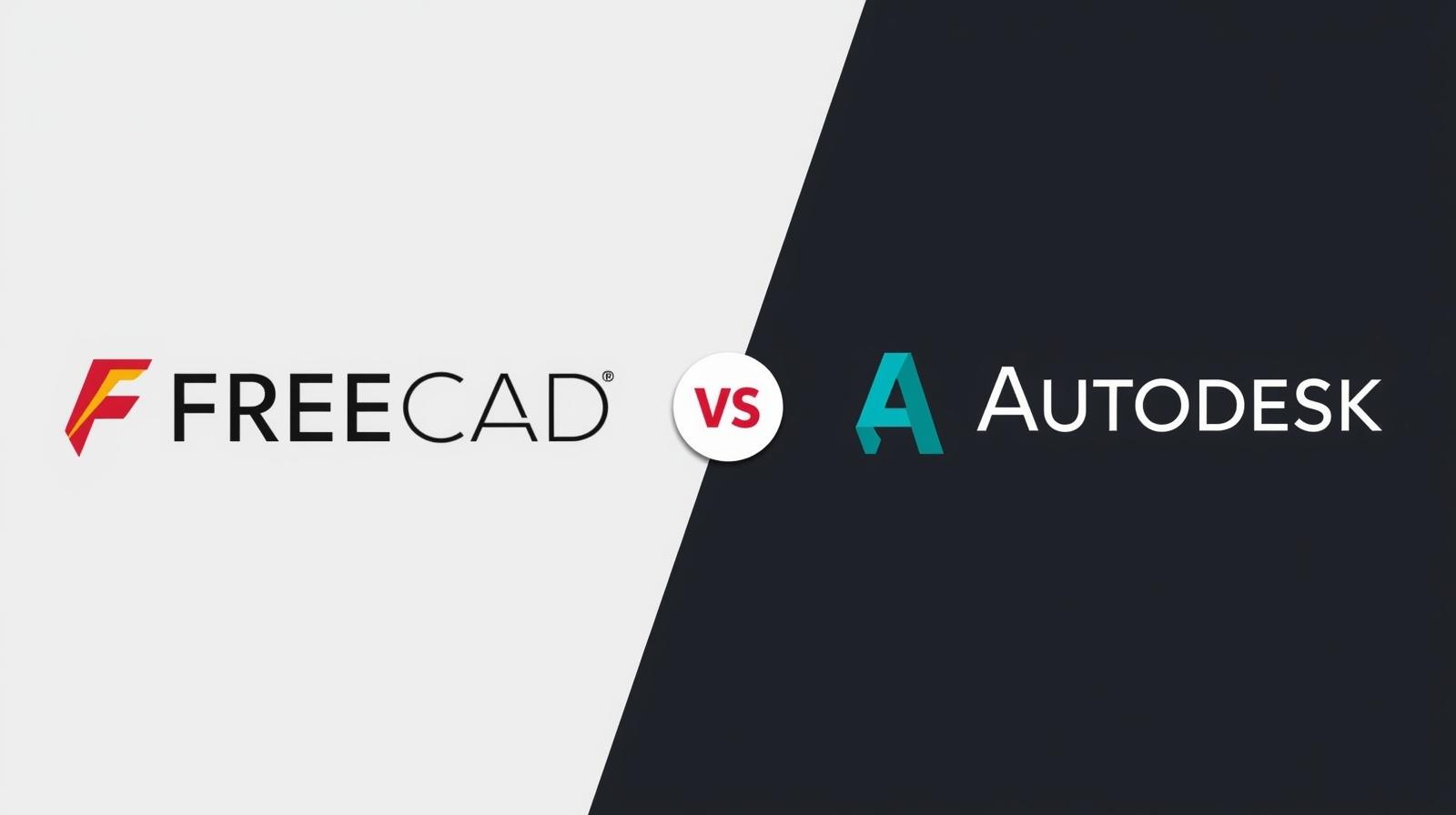
Is FreeCAD truly a viable AutoCAD alternative for beginners in 2026, or is it just a hobbyist's toy? In this deep dive, we strip away the marketing fluff to analyze the licensing reality, the steep learning curve, and whether the long-awaited 1.0 updates finally make it professional-grade.
Table of Contents
- The "Free Forever" Reality Check
- FreeCAD vs. AutoCAD: The 2026 Showdown
- The "Topological Naming" Elephant in the Room
- Where FreeCAD Falls Short (And How to Fix It)
- 5 Common Mistakes Beginners Make
- Conclusion: The Final Verdict
The "Free Forever" Reality Check
When software companies say "free," they usually mean "free trial," "freemium," or "free until we get bought out." FreeCAD is different. It is built on the LGPL (Lesser General Public License), which guarantees its status legally, not just commercially.
What LGPL Means for You
Unlike proprietary software that licenses access to you, FreeCAD belongs to the community.
- No Subscription Traps: There is no mechanism to lock features behind a paywall in the core version.
- Code Ownership: You own your data. If the developers disappear tomorrow, the software still runs on your machine.
- Commercial Use: Yes, you can legally use FreeCAD to design products for profit without paying a cent in royalties [1].
However, "Free" also means free of support. There is no 1-800 number to call when your file corrupts at 2 AM. You are reliant on forums and documentation, which, while extensive, requires a DIY mindset.
Expert Insight: "In 2026, data sovereignty is the new gold. With subscription models shifting to cloud-only access, FreeCAD is one of the few remaining bastions where you actually own your tools locally."
FreeCAD vs. AutoCAD: The 2026 Showdown
To understand if FreeCAD is a good alternative, we must compare apples to apples. AutoCAD is primarily a 2D drafting tool with 3D capabilities, while FreeCAD is a parametric 3D modeler first.
Parametric Power vs. Digital Drafting
AutoCAD acts like a digital drawing board. You draw lines and arcs. If you need to change a dimension, you often have to redraw or stretch geometry manually.
FreeCAD is parametric. You define relationships and constraints (e.g., "this line is always 50mm" or "this hole is always in the center").
- The Pros: If you change one dimension, the entire model updates automatically. This is critical for mechanical design.
- The Cons: It requires more upfront planning. You cannot just "sketch and see what happens" as easily as in AutoCAD.
The Interface Shock: Workbenches
If you launch FreeCAD expecting an AutoCAD clone, you will close it in frustration within five minutes. The interface is modular, organized into "Workbenches."
Imagine a workshop where you have a separate table for woodworking, welding, and painting. You cannot weld at the wood table. In FreeCAD:
- Part Design Workbench: For creating solid 3D parts.
- Draft Workbench: For 2D drawing (most similar to AutoCAD).
- FEM Workbench: For stress testing and simulation.
The Friction Point: Beginners often get stuck trying to find a tool because they are in the wrong workbench. It requires a mental shift from "tool-based" (AutoCAD) to "task-based" (FreeCAD) workflows.
The "Topological Naming" Elephant in the Room
For years, the "Topological Naming Problem" was the boogeyman of FreeCAD. If you went back in your history and changed a base sketch, it could renumber every subsequent face, causing your model to explode into a mess of errors.
The 2026 Status Update
With the release of FreeCAD 1.0 (and subsequent 2025/2026 updates), this issue has been largely mitigated thanks to the integration of the Ondsel solver technology [2].
- What this means for beginners: You can now edit early features in your design history without fear of destroying your entire model.
- Stability: While crashes still happen (save often!), the software is significantly more stable on Windows and Linux than it was in 2023.
Where FreeCAD Falls Short (And How to Fix It)
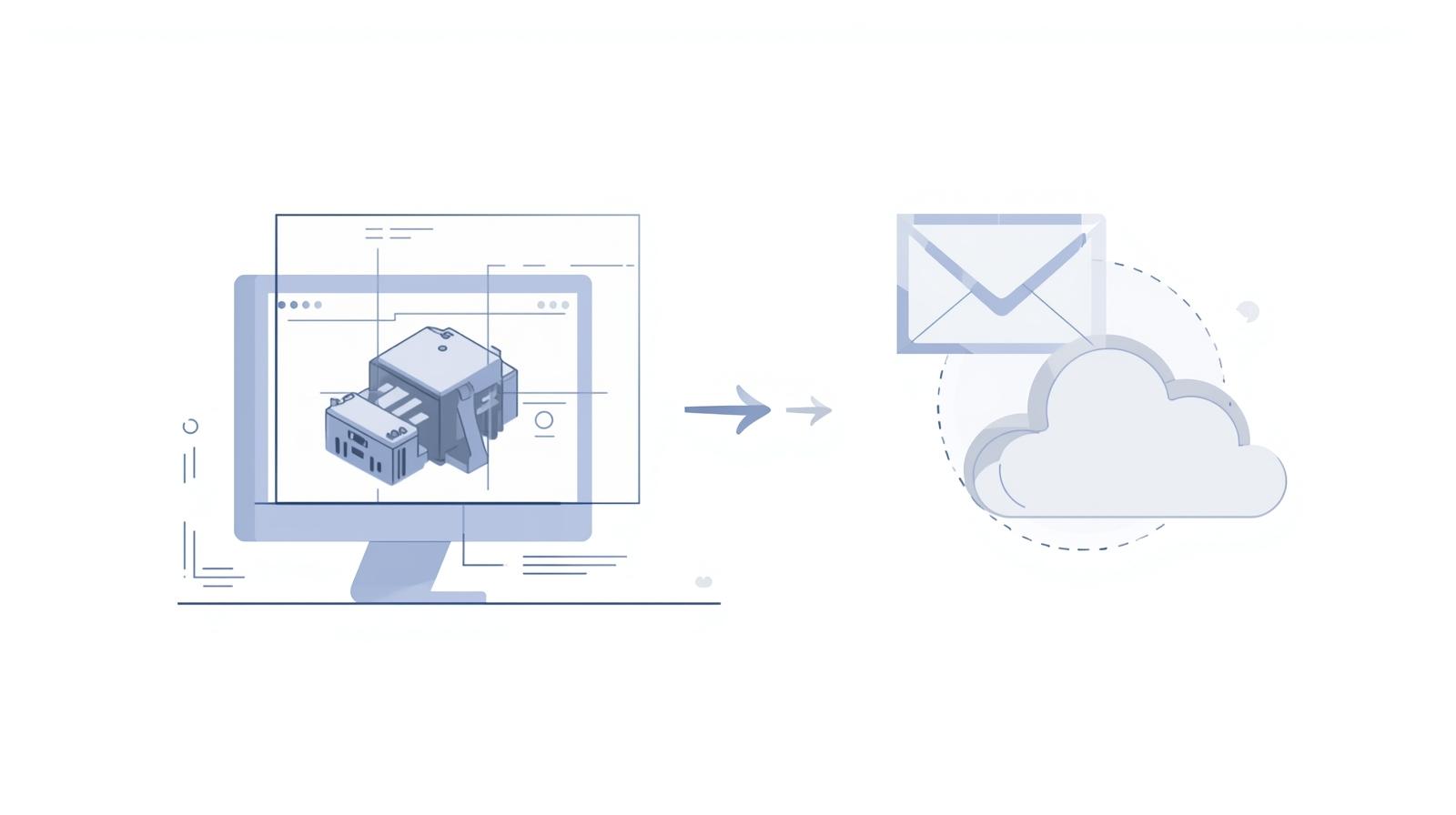
While FreeCAD excels at creating models, it struggles with sharing them. It is a heavy, desktop-bound application. If you need to show a design to a client or a team member, you can't just send them a FreeCAD file—they won't be able to open it without installing the software.
💡 Pro Tip: The Collaboration Gap
Professional workflows require feedback loops. Sending screenshots via email is unprofessional, and asking clients to install open-source software is a non-starter.
The Solution: Integrate Vizcad
For 2026 workflows, smart designers use FreeCAD for creation and Vizcad for communication.
- Universal Browser Access: Instead of emailing files, upload your STEP or OBJ export to Vizcad. Your client gets a link to view the 3D model instantly in their browser—no installation required.
- Real-Time Collaboration: If you are working with a remote team, Vizcad allows for real-time commenting and version tracking, solving the "version confusion" that plagues local file management.
- Render Studio: FreeCAD's built-in rendering is complex to set up. Vizcad's Render Studio lets you generate photorealistic studio shots of your model in seconds, directly from the web.
Why this matters: It allows you to keep your production costs zero (using FreeCAD) while presenting a premium, high-tech front to your clients (using Vizcad).
👉 Go to the Viz-CAD Dashboard and Invite Your Team
5 Common Mistakes Beginners Make
Avoid these pitfalls to survive your first month with FreeCAD:
-
Ignoring Constraints: In AutoCAD, you draw a line. In FreeCAD, you draw a line and must tell it to be horizontal and 50mm long. If you leave sketches "under-constrained" (orange), your model will break later.
-
Filleting Too Early: Never apply fillets or chamfers early in your design tree. Always do them as the very last step to avoid geometry errors.
-
Designing in the Wrong Plane: Beginners often start sketching without checking which plane (XY, XZ, YZ) they are on, leading to parts that are rotated 90 degrees incorrectly.
-
Mixing Workbenches Carelessly: While you can switch workbenches, mixing "Part" and "Part Design" workflows in the same file can cause dependency loops. Stick to "Part Design" for single solid bodies.
-
Not Using the "Draft" Workbench for 2D: If you are coming from AutoCAD and just want to draw 2D floor plans, do not use Part Design. Go straight to the Draft Workbench—it supports layers and command-line inputs similar to AutoCAD.
Conclusion: The Final Verdict
Is FreeCAD a good AutoCAD alternative for beginners in 2026?
Yes, IF you are willing to relearn how you draw. If you want a free clone of AutoCAD that works exactly the same way, you will be disappointed. But if you want a powerful, parametric 3D modeler that you will own forever—without subscription fees—FreeCAD is the undisputed king of open-source design.
Key Takeaways:
- It is truly free: No hidden costs, ever.
- The learning curve is real: Expect to spend 2-3 weeks adapting to the parametric mindset.
- Stability is improved: The 1.0 updates have fixed the major model-breaking bugs.
The best time to start learning FreeCAD was five years ago. The second best time is today. Download it, open the Part Design workbench, and build your first cube. You might just find that freedom tastes better than a subscription.
References
[1] Free Software Foundation – Licenses and Comments about Them (GNU Project, 2024)
[2] FreeCAD Blog – The Path to 1.0 and Topological Naming (FreeCAD News, 2025)
[3] Open Design Alliance – State of .DWG Compatibility (ODA Industry Report, 2025)
[4] 3D CAD World – Market Analysis: Subscription vs Perpetual Licensing Trends (2026)
About the Author

Ferhat RudvanoğullarıMechatronics Engineer
Ferhat RUDVANOĞULLARI is a Mechatronics Engineer and the founder of Viz-CAD. Throughout his career, he has transferred the engineering perspective and system development experience gained from R&D projects into Viz-CAD, aiming to redefine engineering design processes through web-based solutions. Recently, he has focused his work on web-based 3D technologies and artificial intelligence applications, developing accessible, scalable, and innovative design infrastructures by bringing engineering tools to the browser environment.